Turn a PDF into smart sheet music.
Drop in a sheet-music PDF and get your part, for your instrument, as music you can work with.
The map is free, in your browser, and the file stays on your computer. Your part for your instrument: paid, per page.
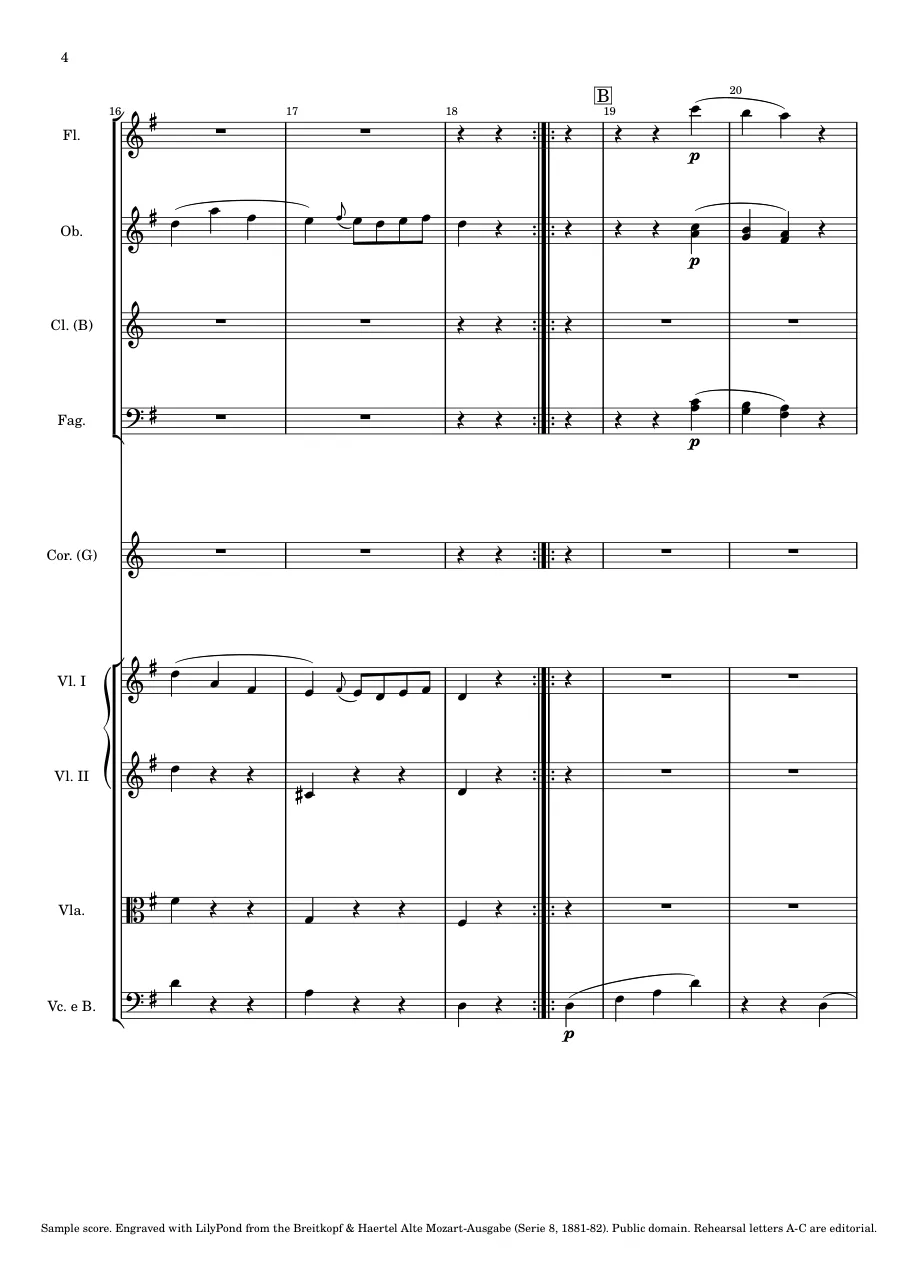
Page 2 of the score. The flute comes in here.
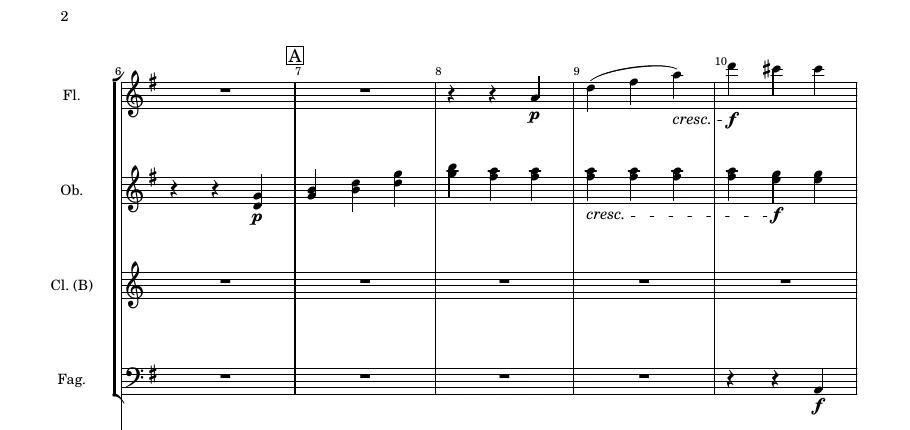
Your part: the flute line, written for trumpet in B♭

In half a minute
What you get
Two things from the same PDF.
-
Who plays where, page by page
And the rehearsal letters. Free, in seconds, in your browser.
Free
Who plays where Staves, top to bottom 1 2 3 4 5 6 7 8 Flauto Oboi Clarinetti in B Fagotti Corni in G Violino I Violino II Viola Violoncello e Basso Who plays where. Each cell is an estimate of how much ink sits on that staff on that page. The more a cell stands out from the page, the busier the staff; an empty staff is the colour of the page. -
Your part, for your instrument
Every bar is read. In the right transposition, with notes outside the range marked. The price is shown before you pay.
- MusicXML
- PDF report
Opens in any notation program: MuseScore, Dorico, Sibelius, Finale. It is a draft to proofread against the page, not finished parts.
Paid bar-by-bar analysis is not open yet. The free score map works now.
See the price for your scoreSee pricingHow it works, and where it goes wrong
The iPad app
Smart notes come alive on the stand.
A sheet-music reader for iPad, with the same account as the site. It works with any PDF, and with smart sheet music it will do what a PDF can't.
With smart notes Coming
- Go to any bar“From bar 63” is one tap away.
- Markings that stick to the barNot to a spot on the page.
- Your part, for your instrumentTransposed, with notes out of range marked.
- Practice with feedbackIntonation and rhythm, against your part.
With any PDF
- Page-turn pedalTurn pages without taking your hands off the instrument.
- Layered markingsYours, the conductor's and your teacher's, each kept apart.
- Concert setlistsThe pieces in the evening's order, one after another.
- SyncYour library and markings on all your devices.
One account for the website and the app. The app works without an account; signing in adds sync.
In closed beta on TestFlight. Not on the App Store yet.